1. Create a New App in Salesforce and Obtain Credentials
- How to create app and get credentials click here.
2. Obtain App Credentials
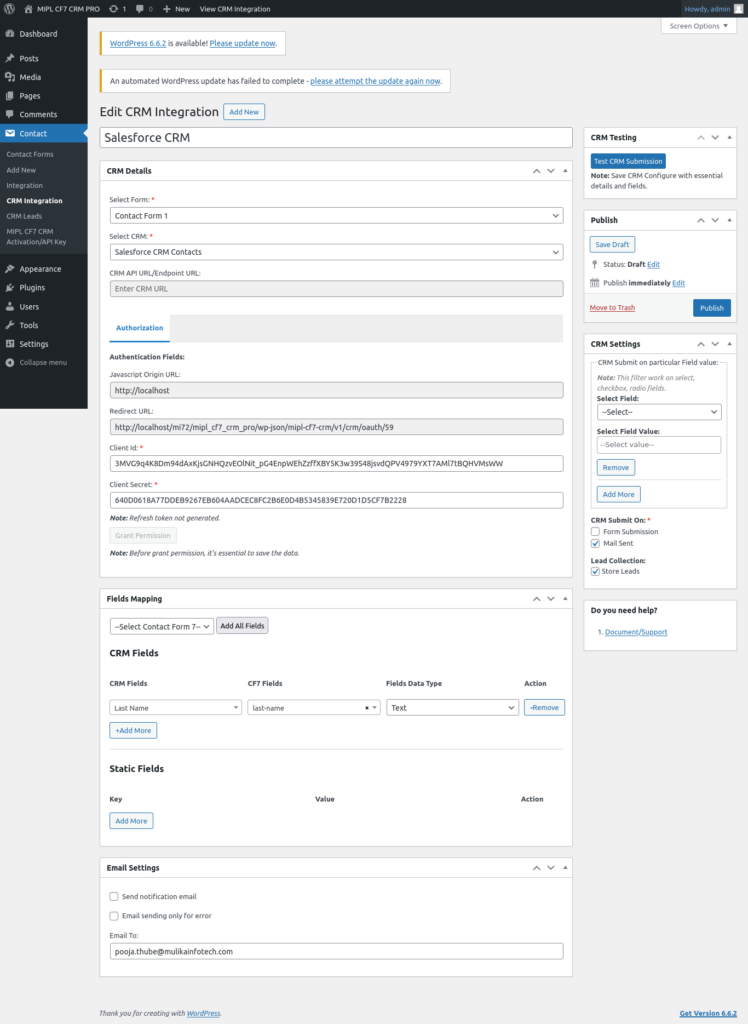
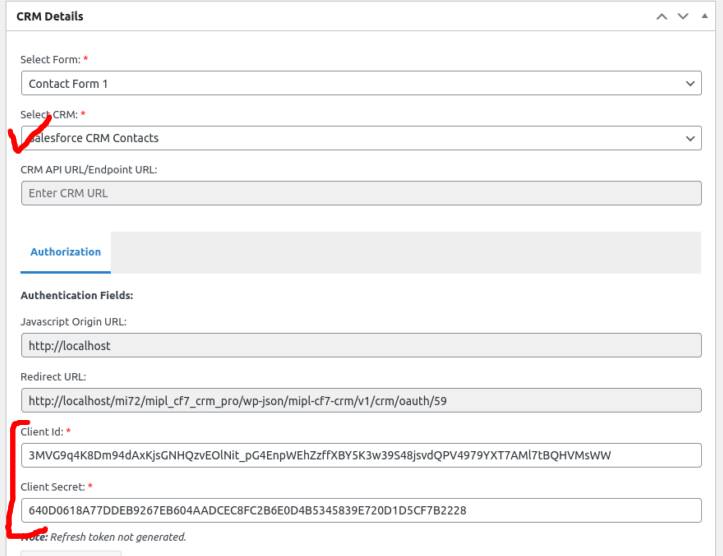
- After successfully creating the app, you will receive the Client ID and Client Secret. These credentials are essential for the integration.
3. Salesforce Authorization Process
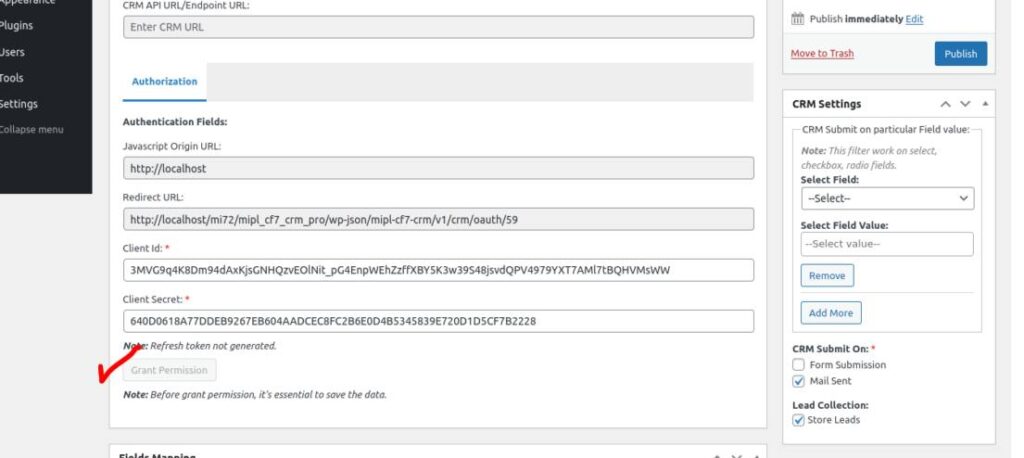
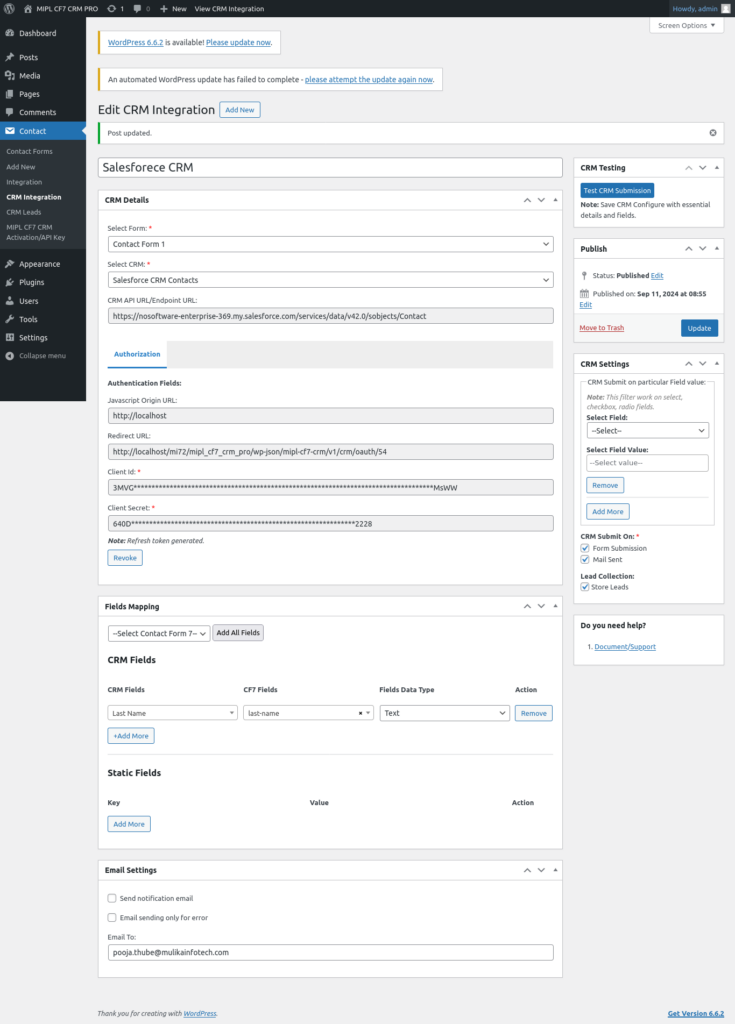
- Enter the Client ID and Client Secret and save the post.
4. Grant Permissions for Salesforce Integration
- Click on the ‘Grant Permission’ button.
- You will be redirected to salesforce authorization page. Login to your salesforce account and approve the permissions to allow the integration.

5. After authentication select crm
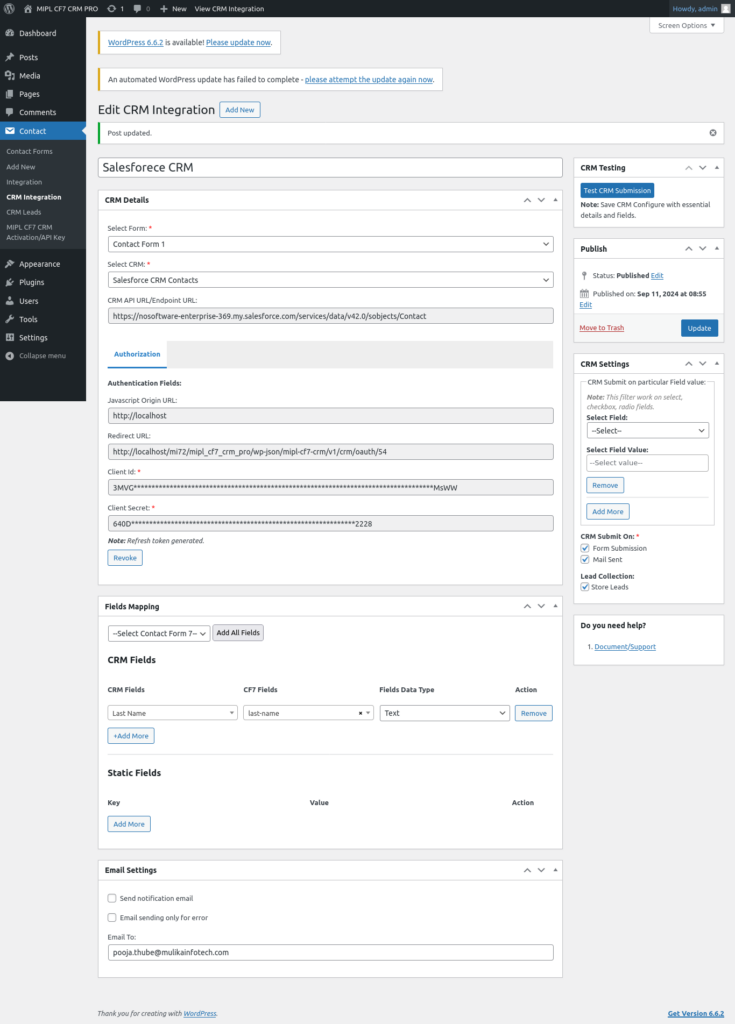
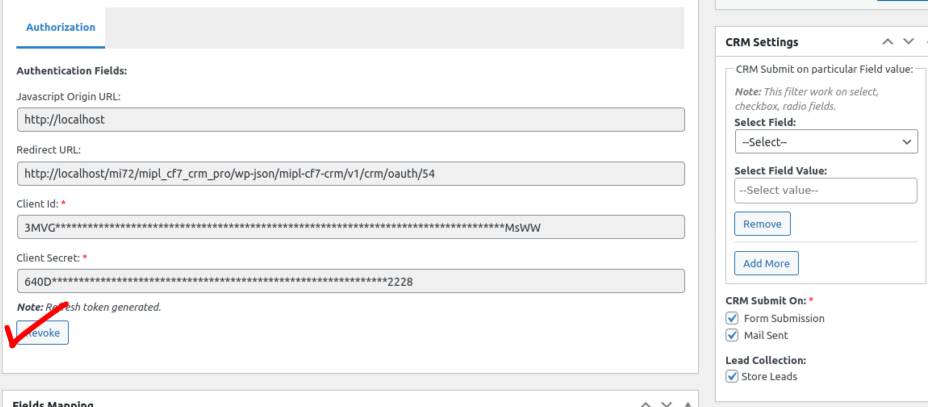
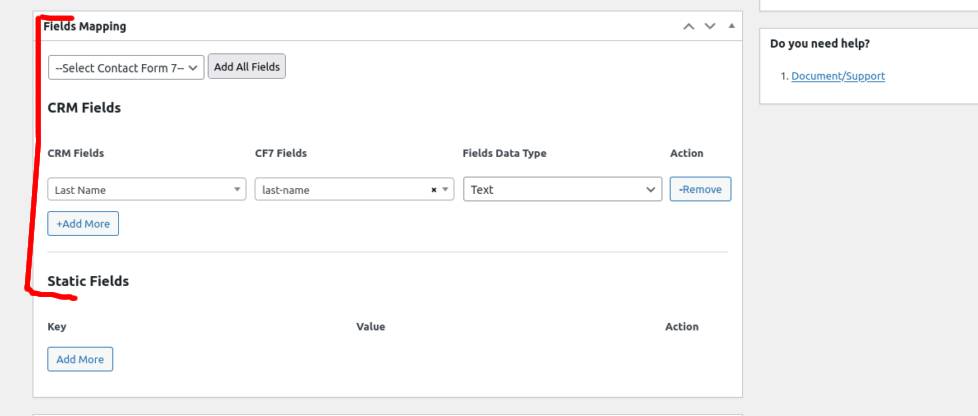
6. Field Mapping
- Required fields will automatically be displayed in the field mapping section.
- Map the Contact Form 7 fields to the corresponding fields in Salesforce CRM (Contacts, Leads).
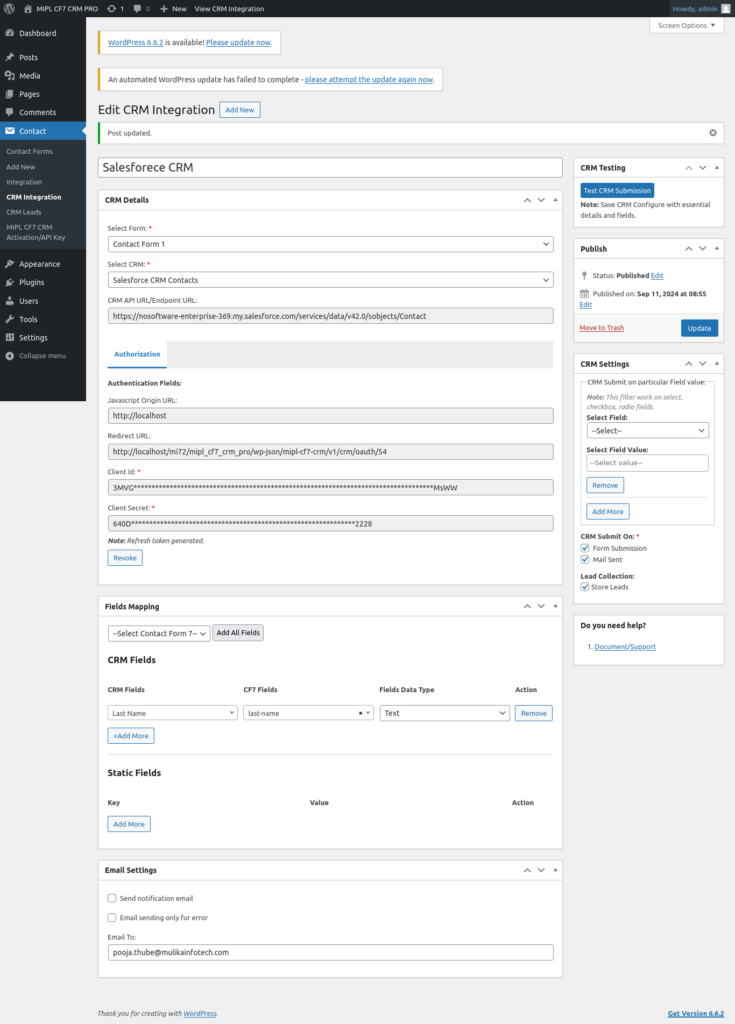
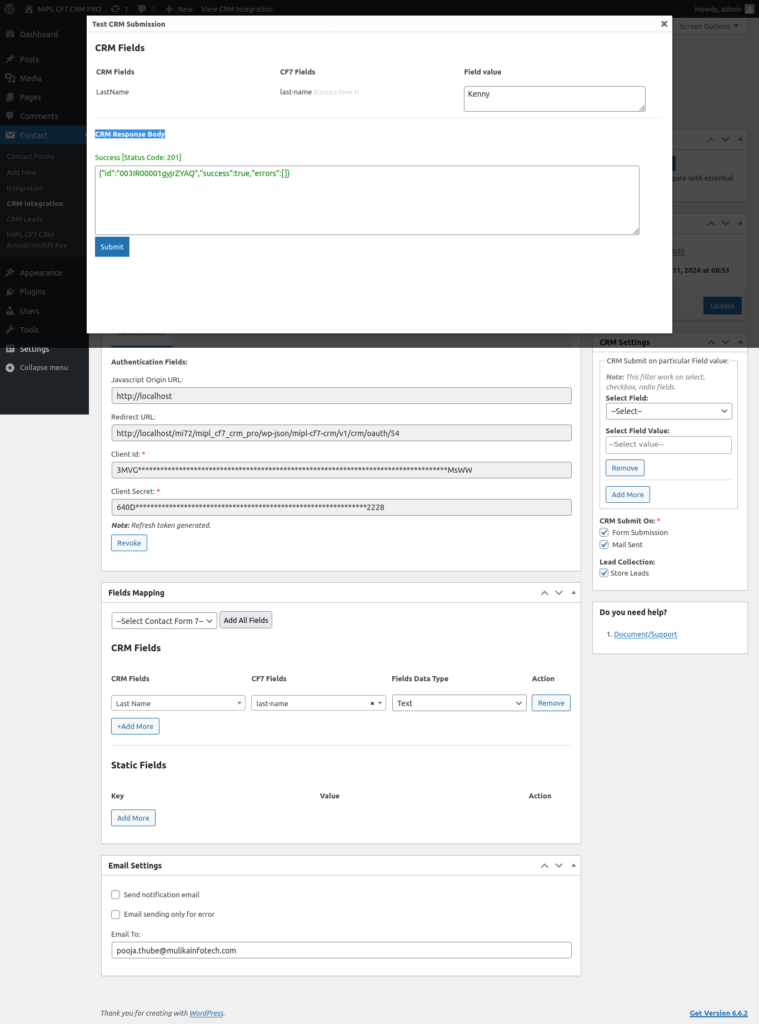
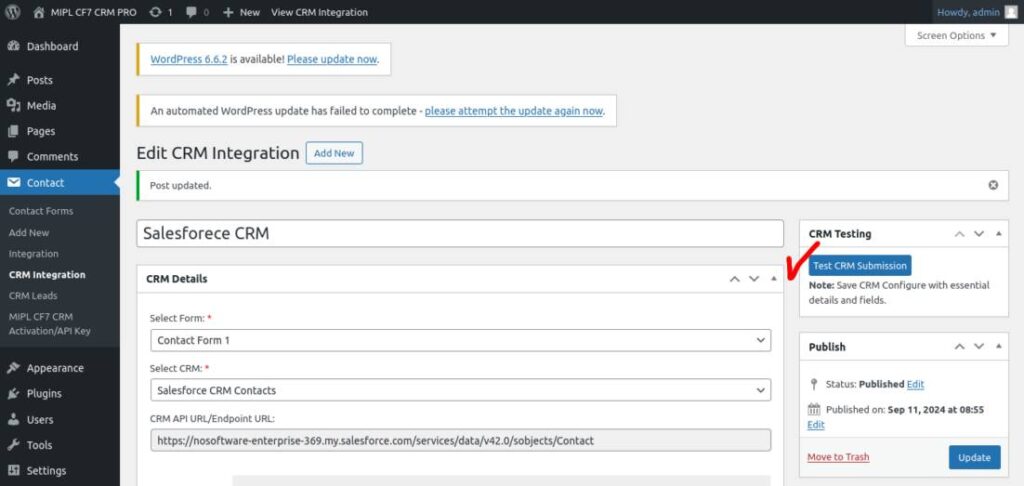
7. Test the CRM Integration
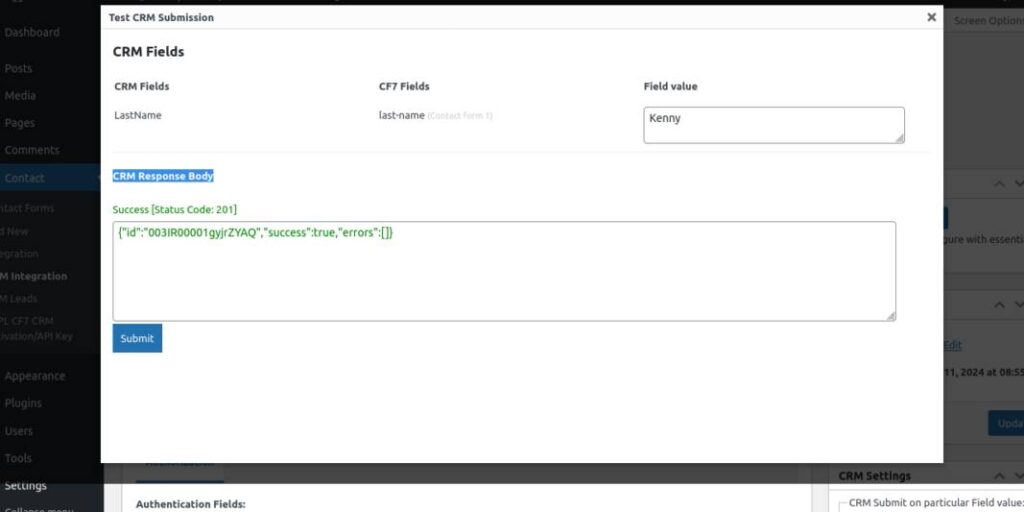
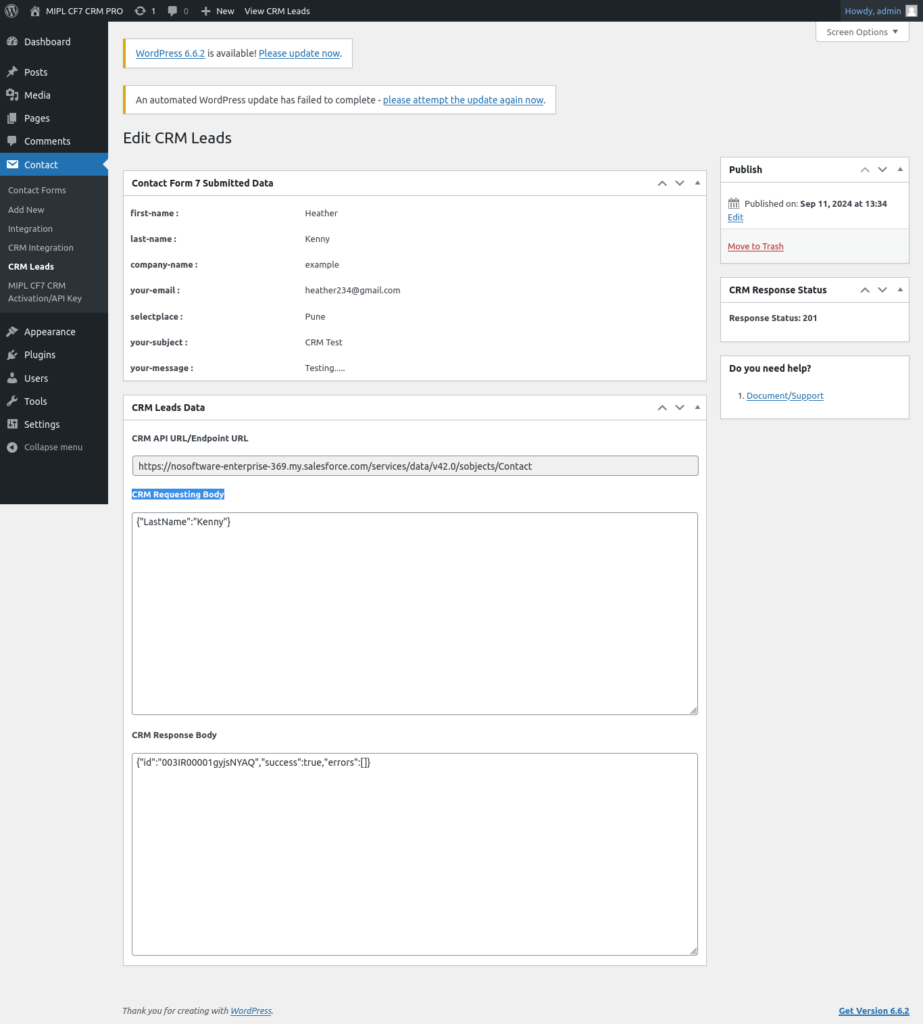
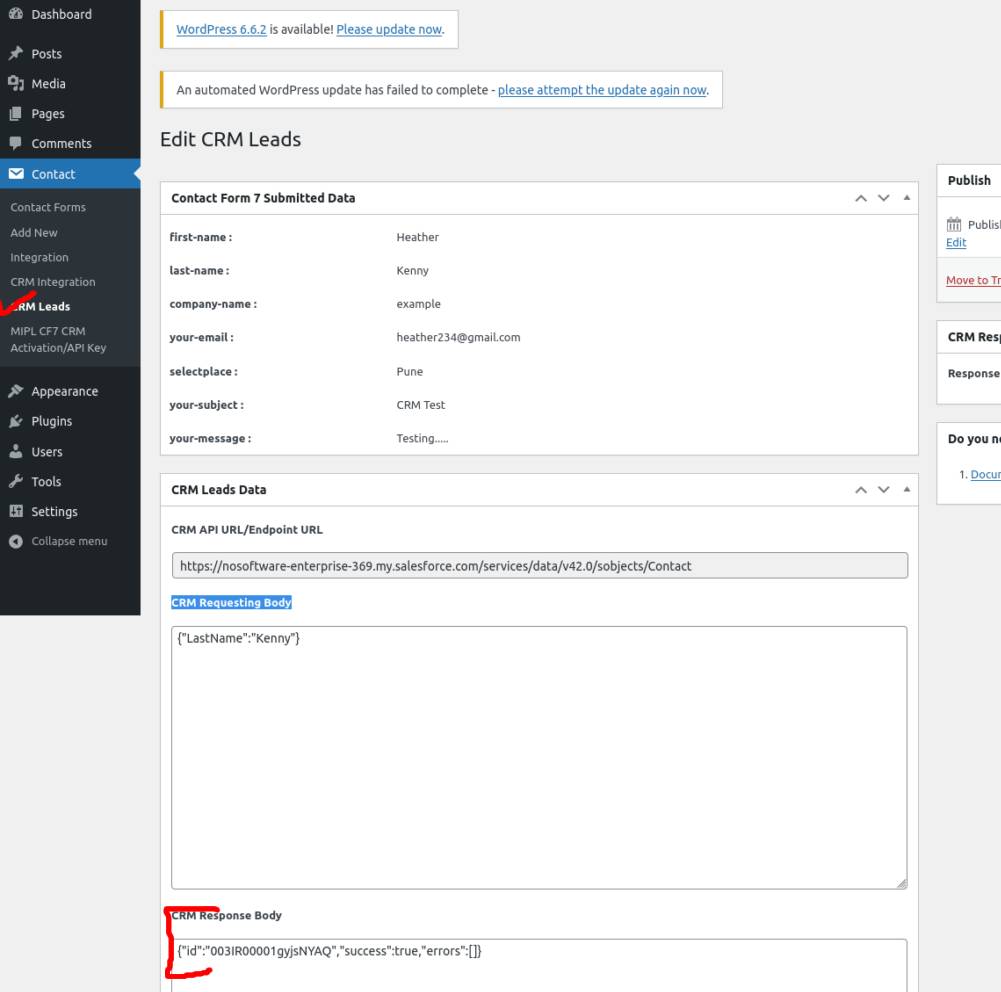
8. Submit the Contact Form and Store Lead Information.