1. Log in to the HubSpot Developer Account
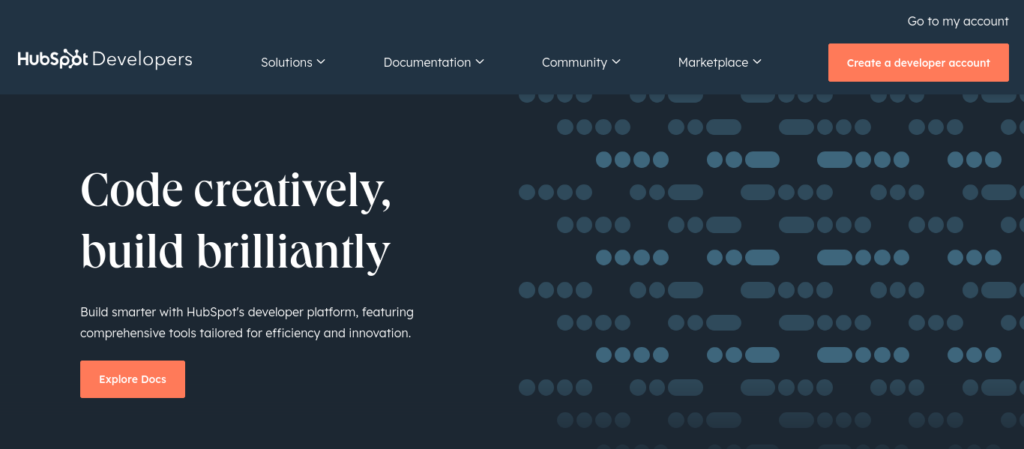
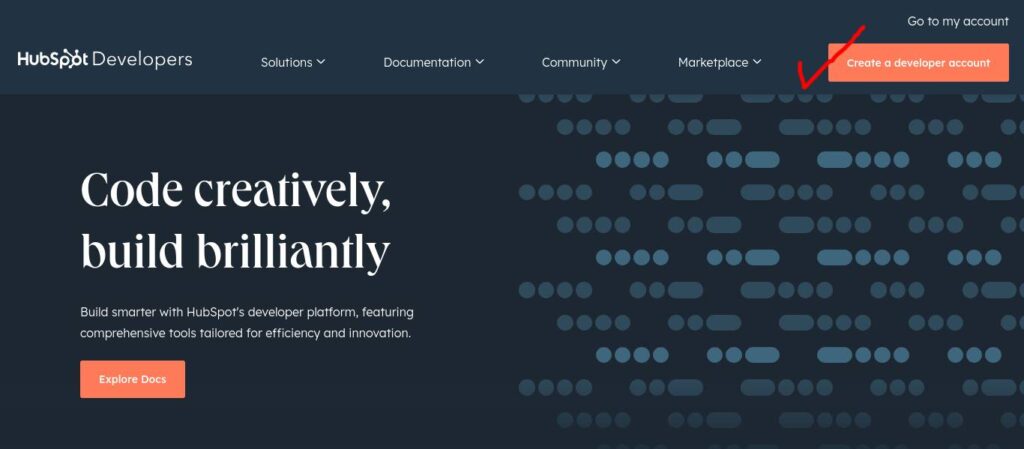
- Go to HubSpot Developer Portal
If you have already created account then go to ‘my account’, otherwise ‘Create a developer account’.
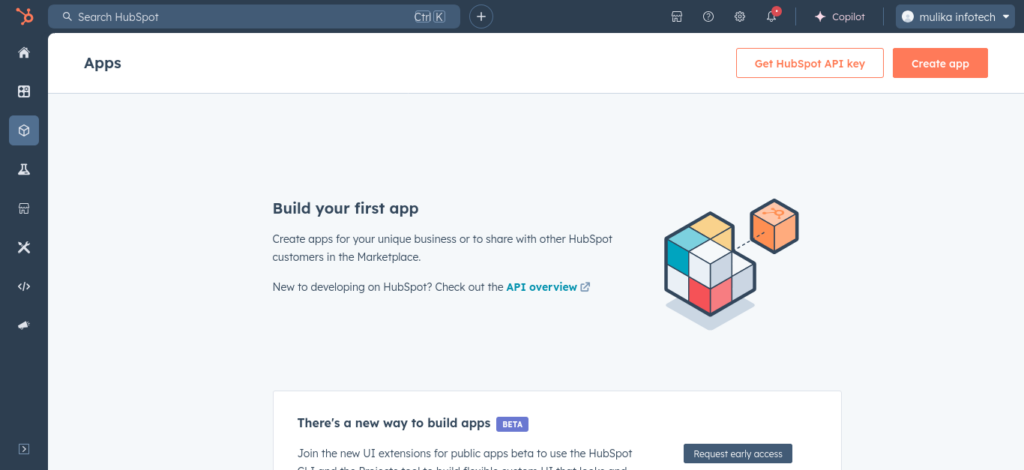
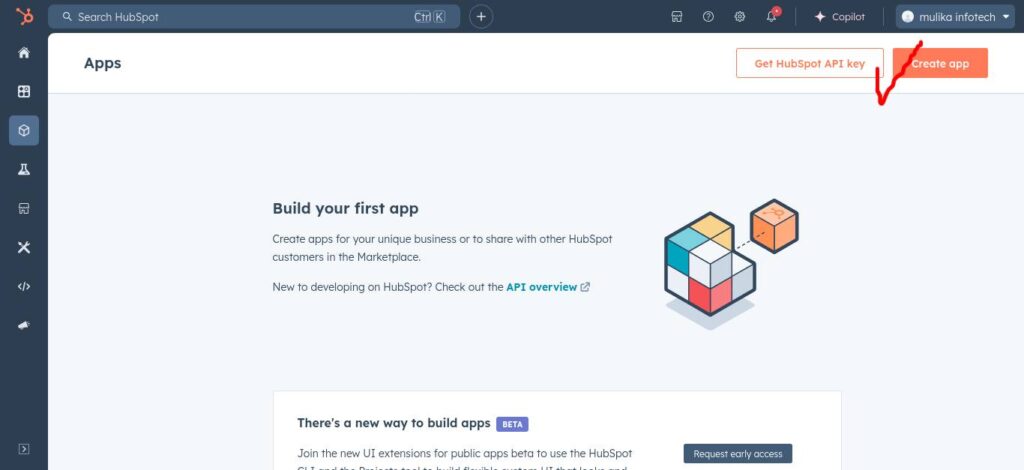
- Click on the ‘Create App’ button in the top right corner.
- Enter ‘App info’
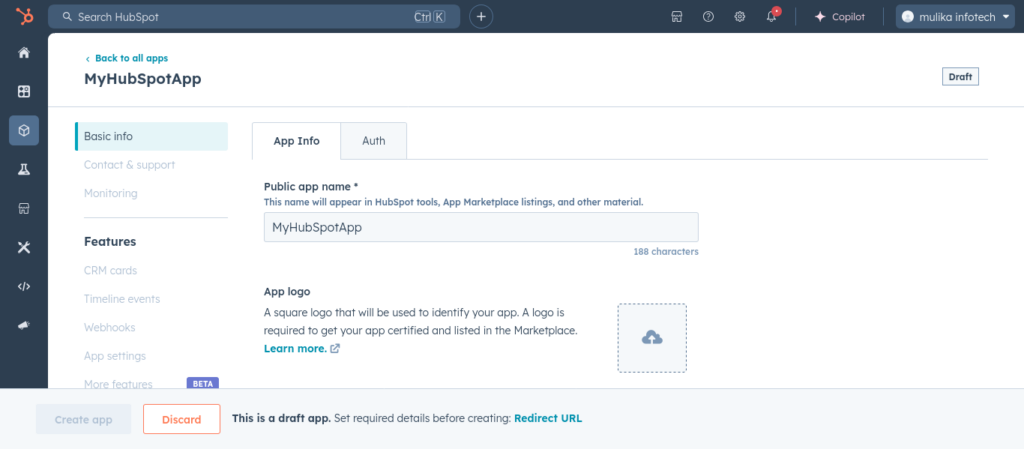
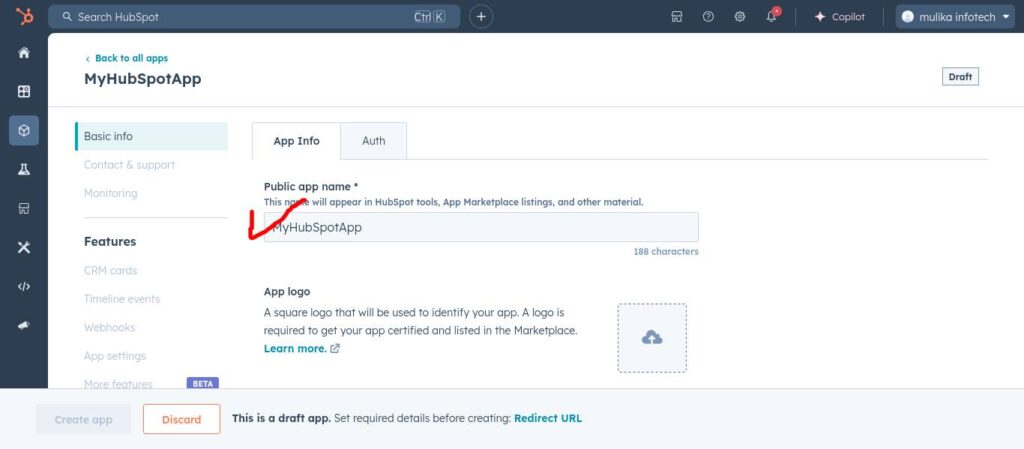
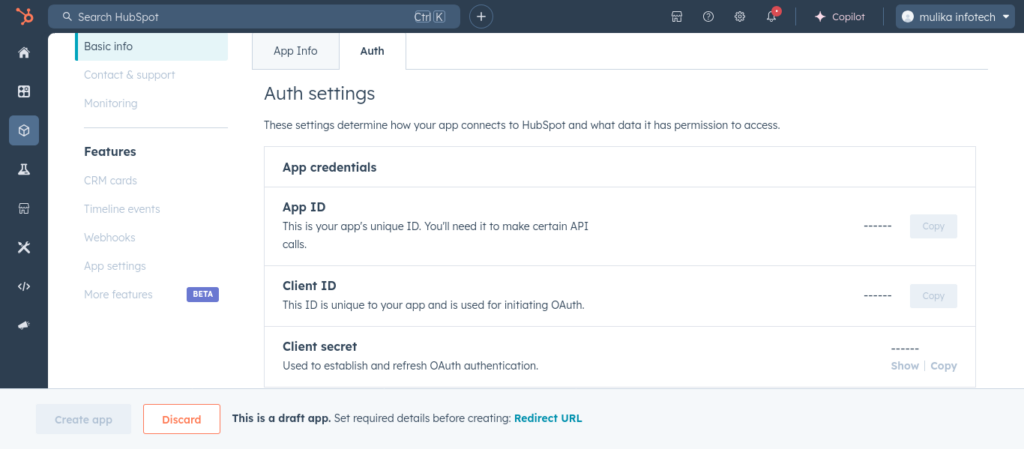
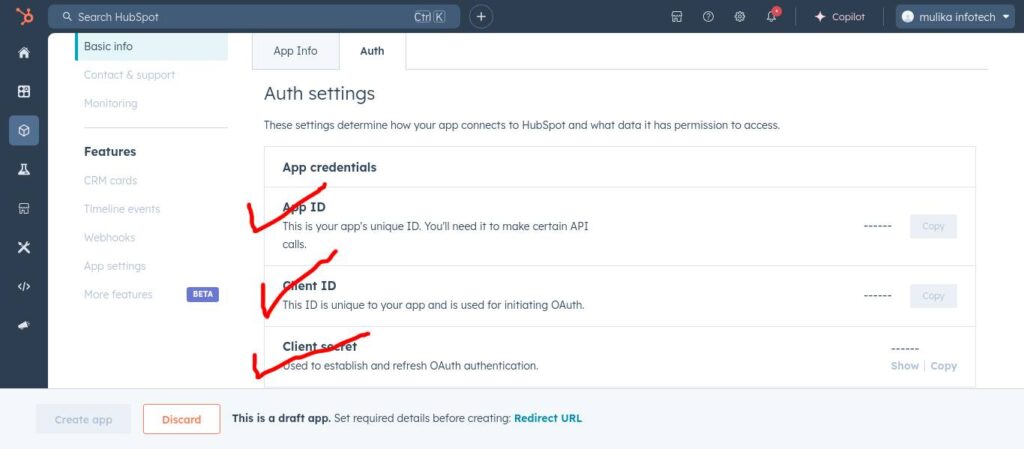
- Obtain the ‘App Credentials’ from the Auth tab.
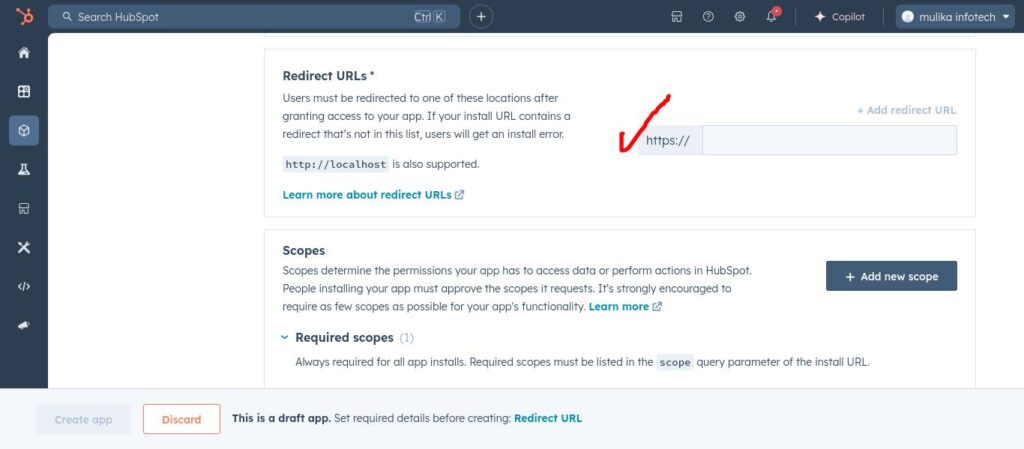
- Enter the ‘Redirect URL’ obtained from the CRM Details section of the plugin.
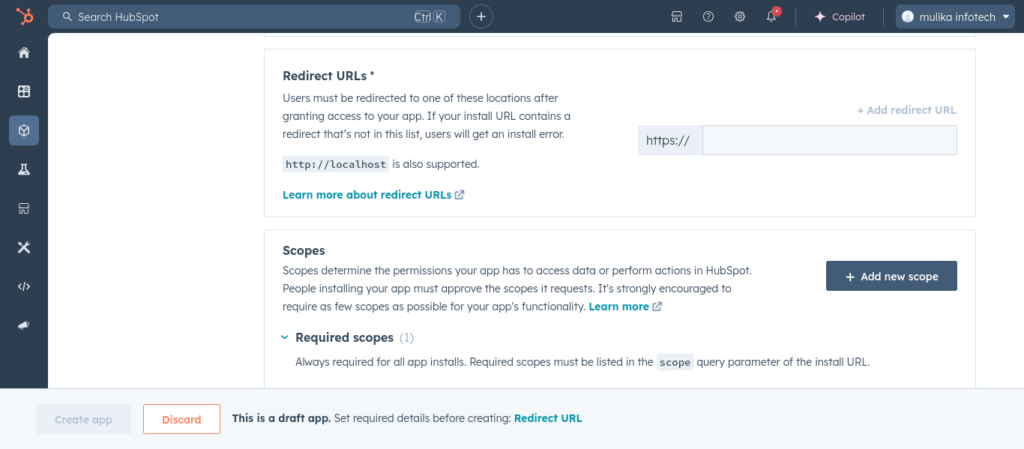
- Add scopes.
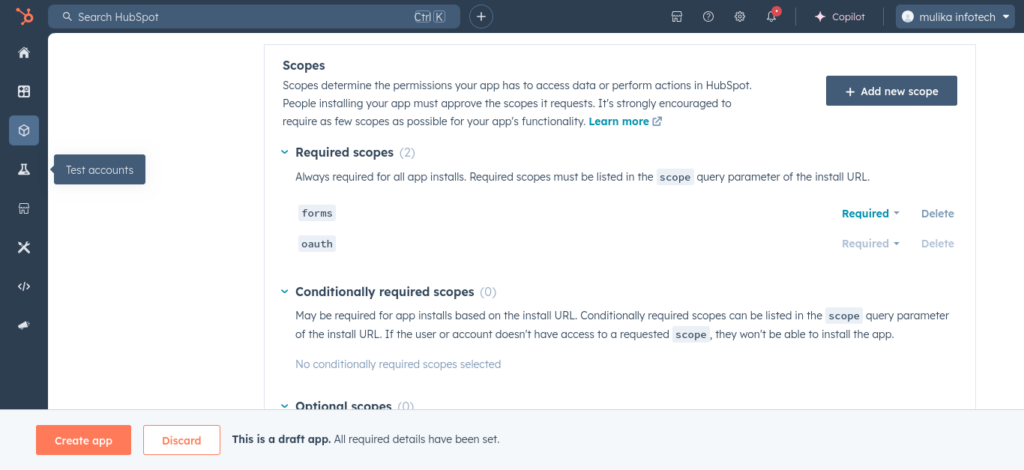
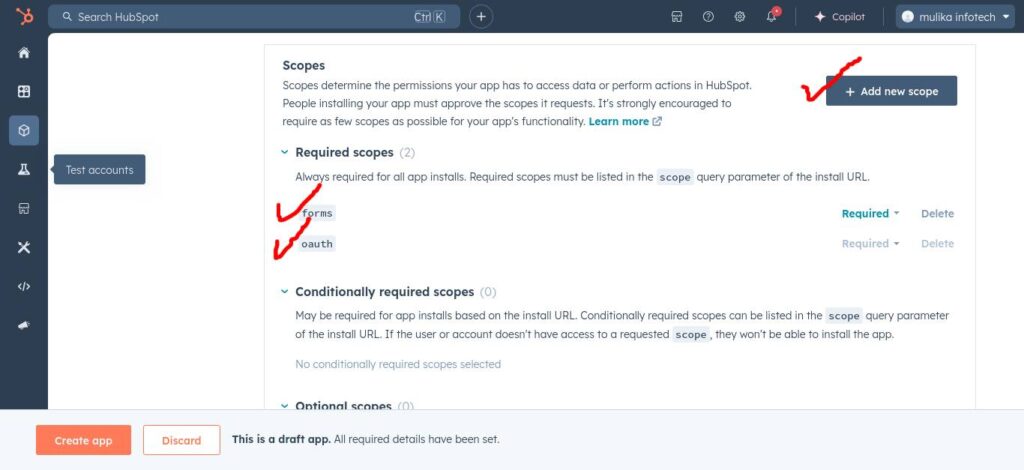
Now ‘Create app’ and your developer account created successfully.
2. Log in to the CRM Hubspot Account
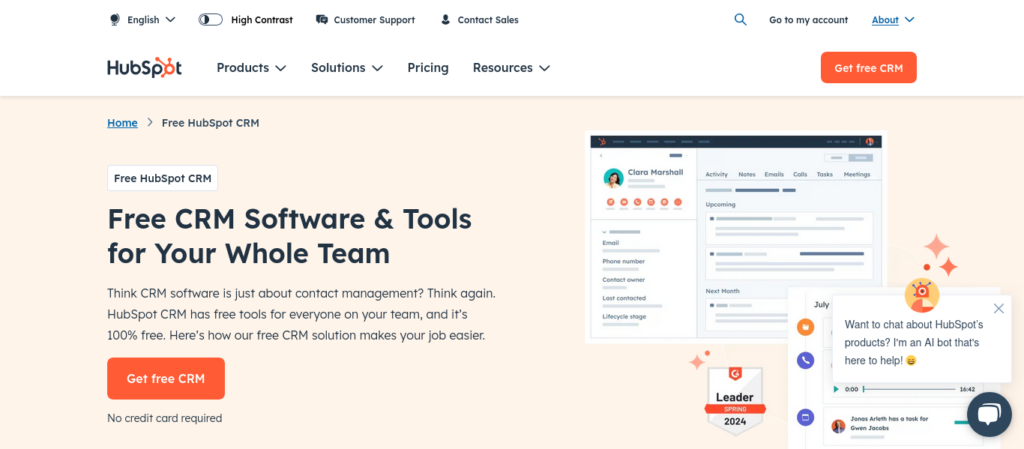
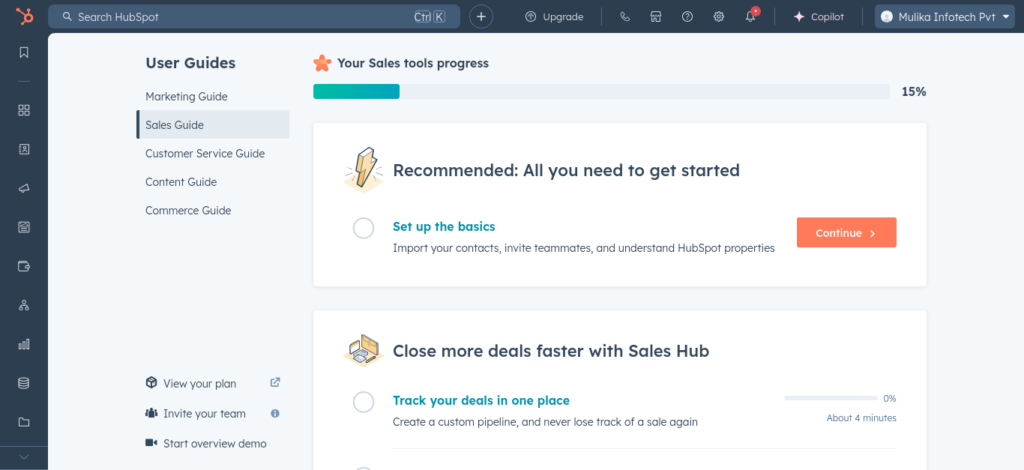
- Go to Hubspot CRM service portal and create your account.