

 FREE
FREE
Overview
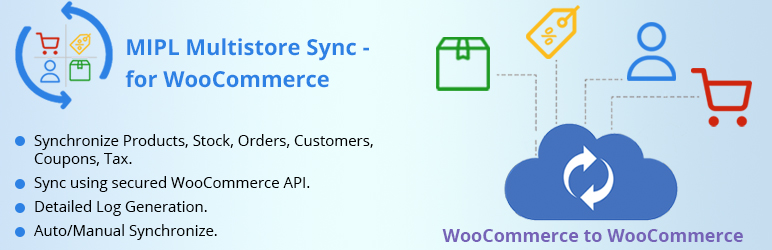
Easily synchronize two WooCommerce stores and keep everything updated automatically! Whether you’re managing a second storefront or testing centralized control, this free plugin offers simple, Main-to-Sub Store management for seamless synchronization of products, stock, orders, customers, coupons, and reviews between your main/master site and a connected sub site.
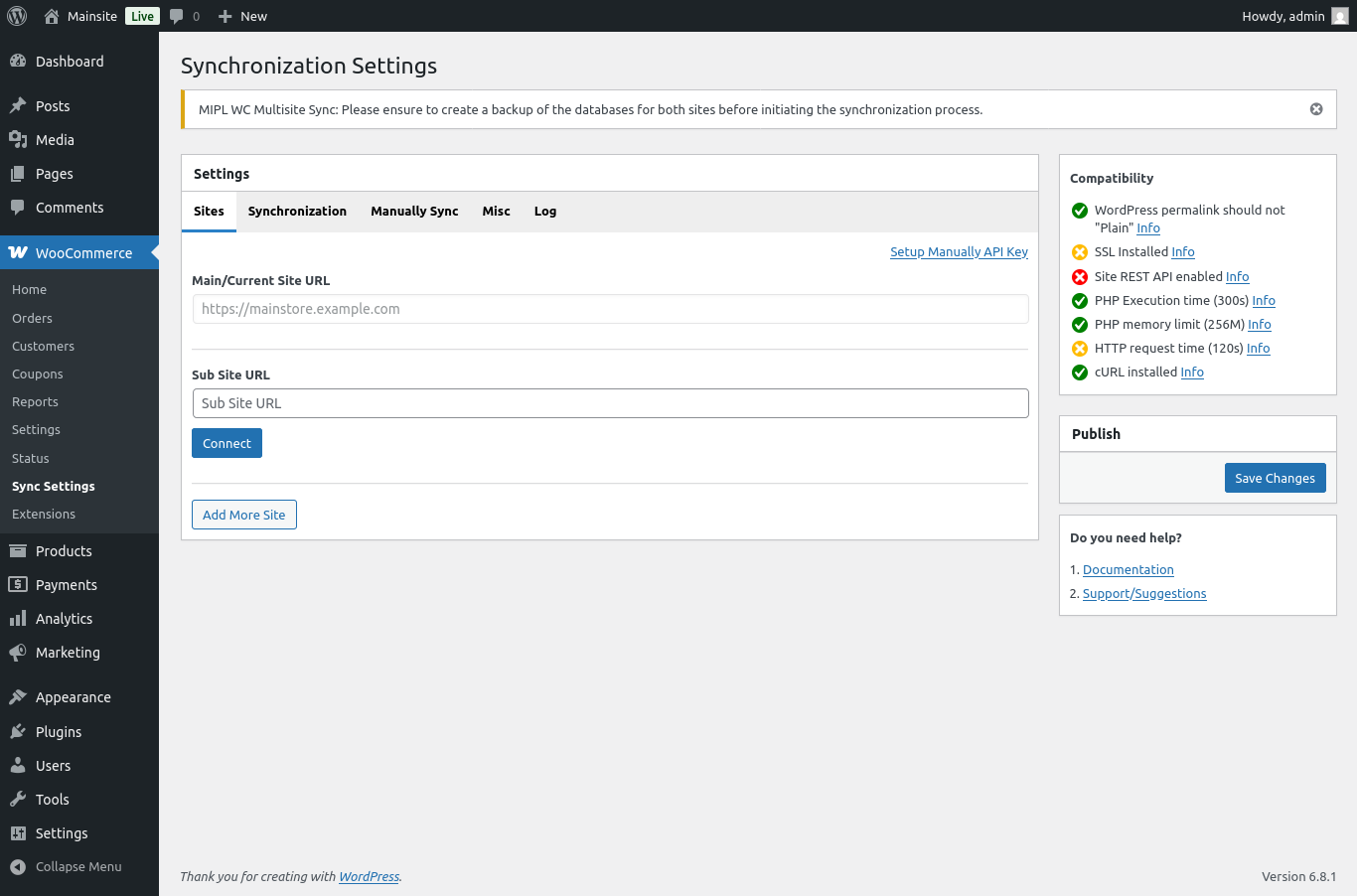
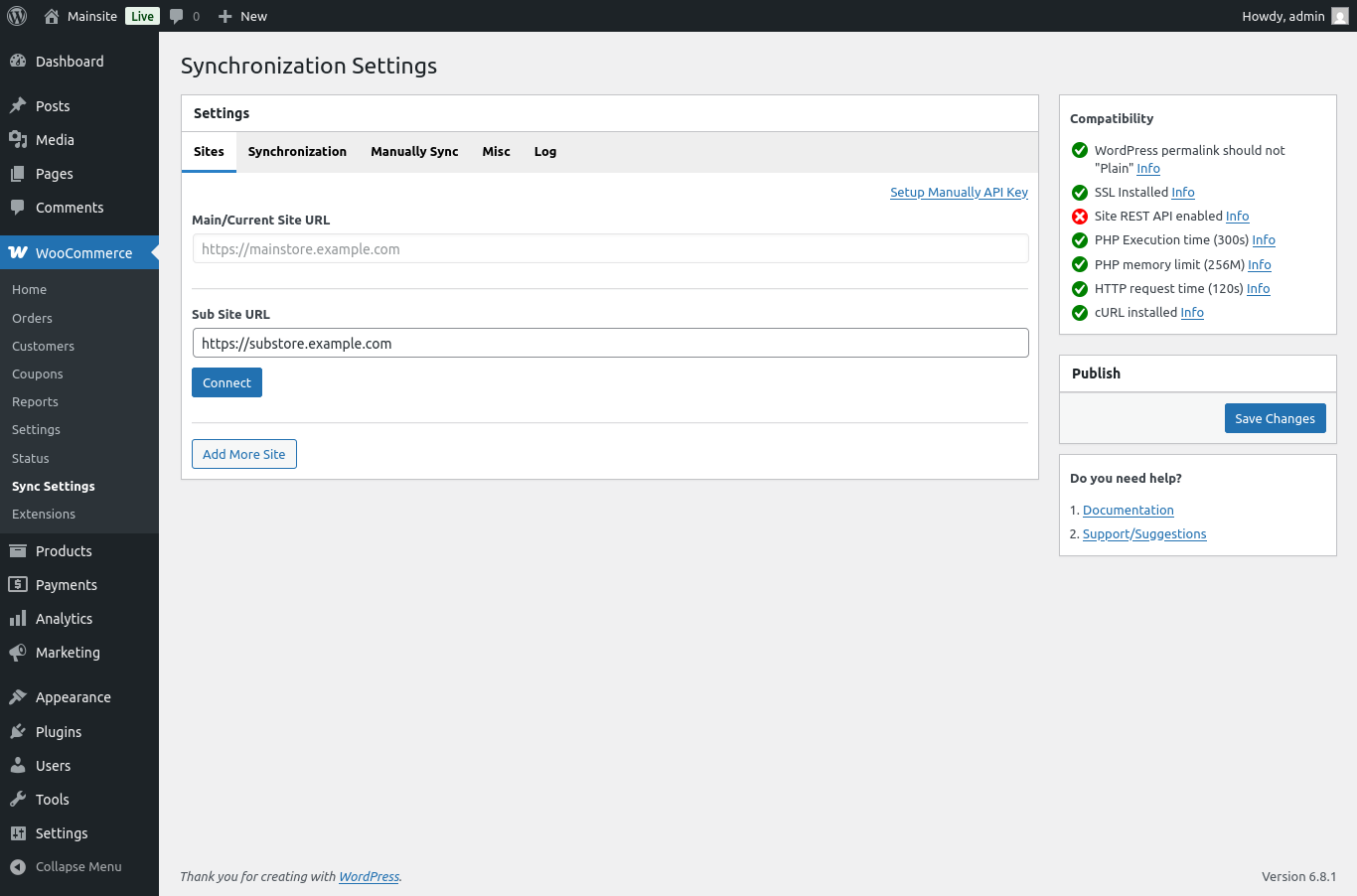
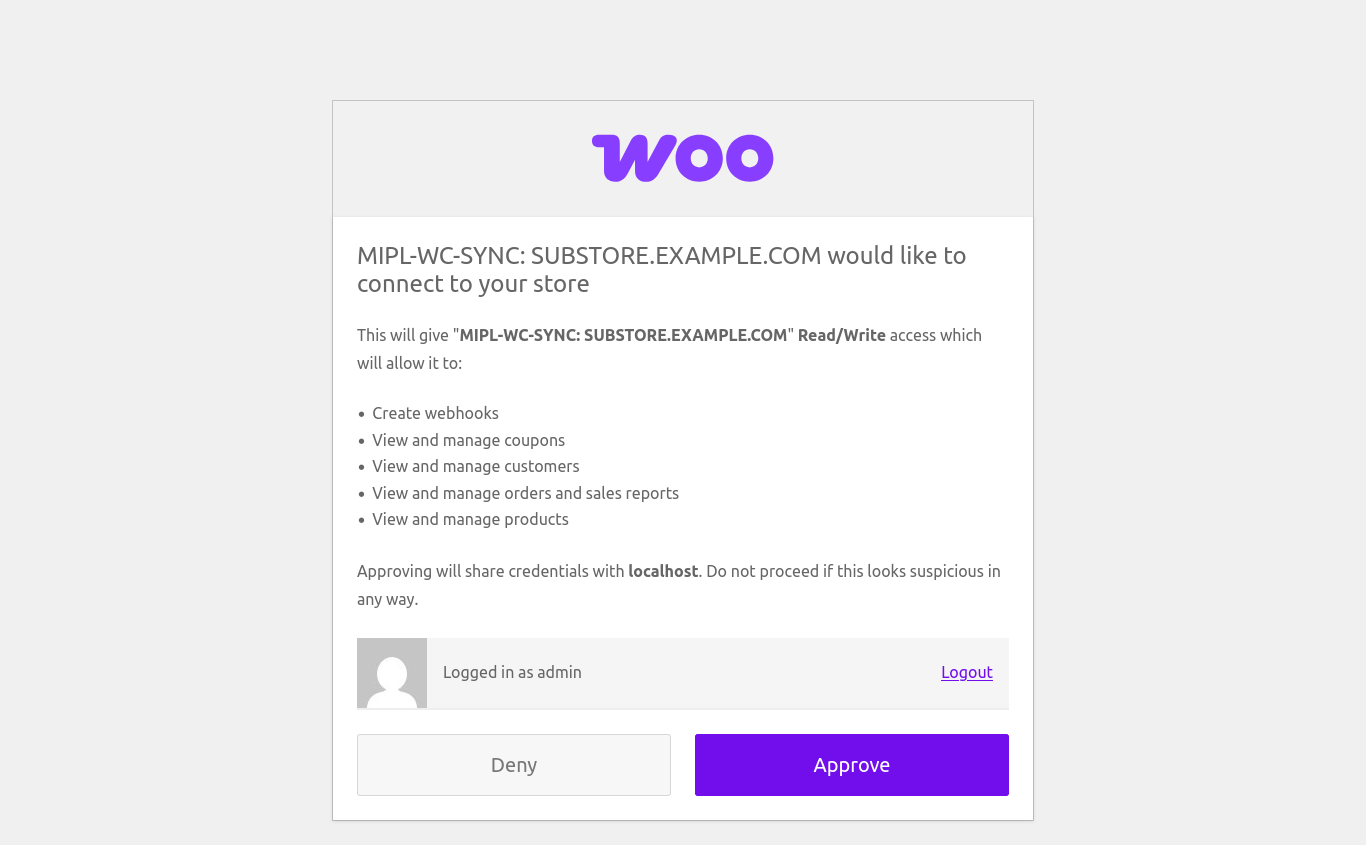
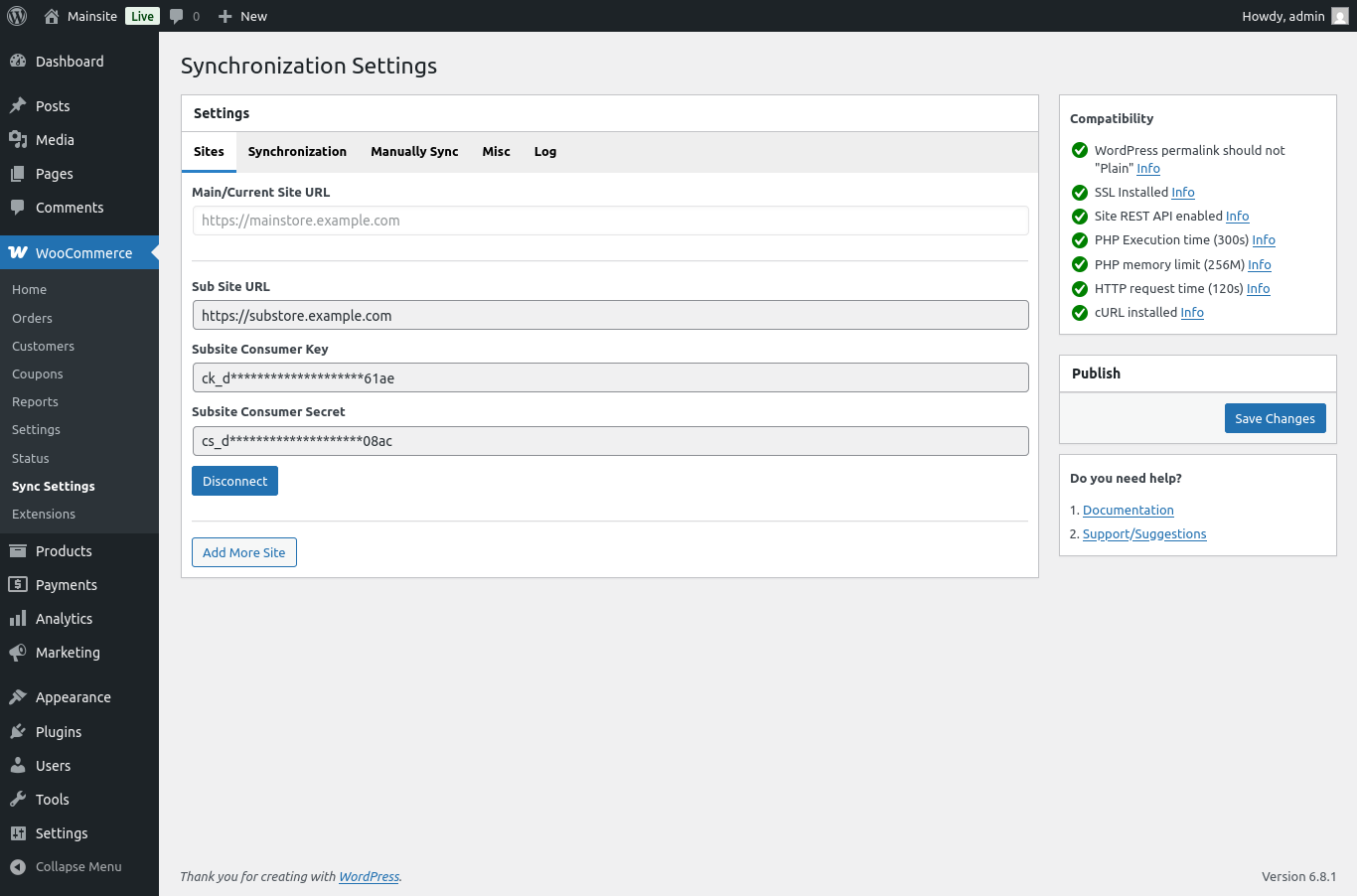
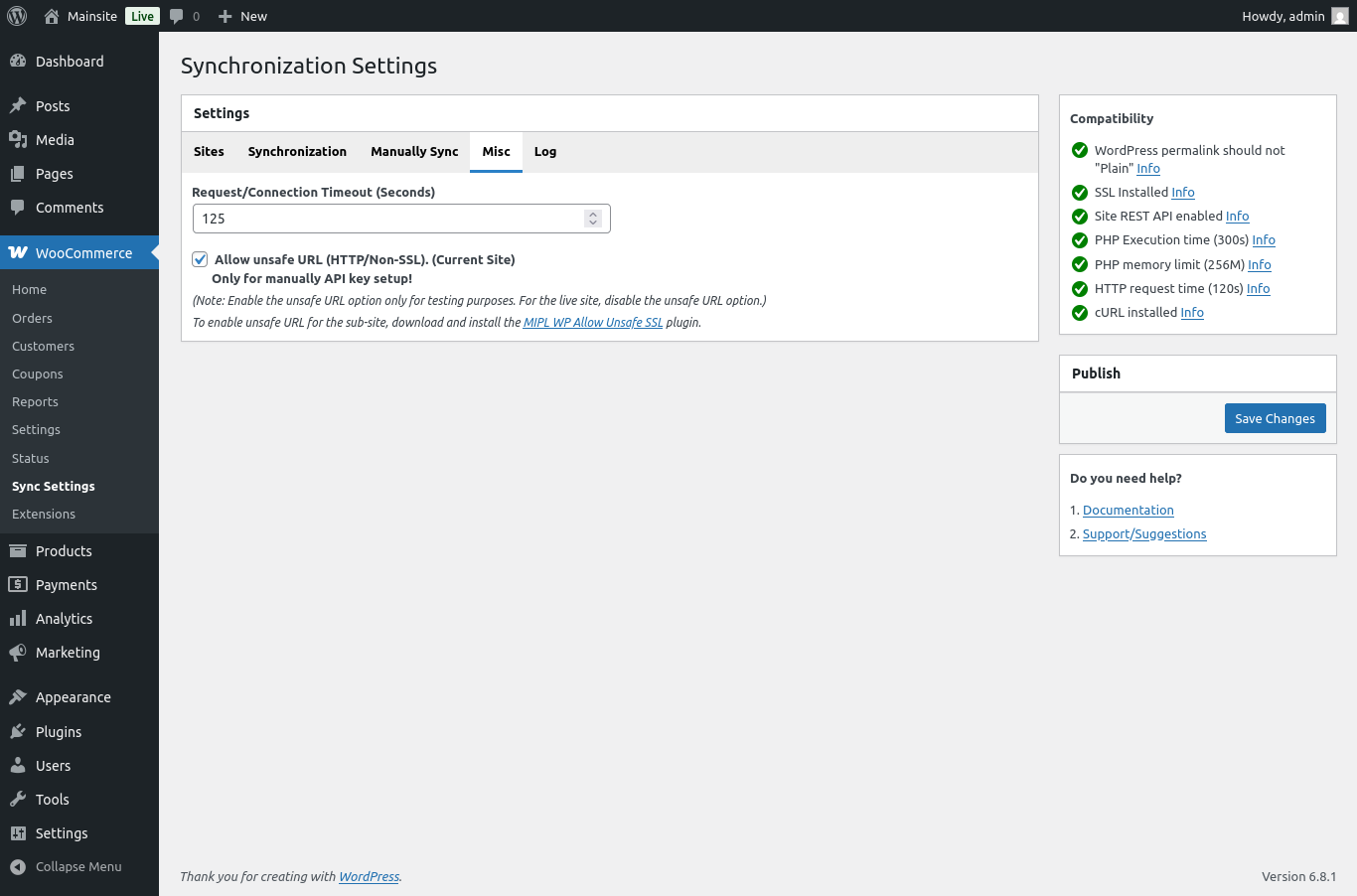
No WordPress Multisite required—it works perfectly on standalone WooCommerce installations. Just install the plugin on your main/master store and connect your sub site easily using its login/API details. No extra plugins are needed on the sub site.
Ideal for small businesses, agencies, or anyone wanting to simplify management across two WooCommerce stores without the complexity of a Multisite setup.
Demo Details
Main site:
https://demo.mulika.in/mipl-wc-multisite-sync/main-site/demo-login
Subsite 1:
https://demo.mulika.in/mipl-wc-multisite-sync/sub-site/demo-login
Features
- Main-to-Sub Store Sync – Manage and sync your main store with a single connected WooCommerce sub site.
- Install Only on Main/Master Store – No need to install anything on the sub site. Keep it clean and simple.
- Easy Remote Connection – Connect your sub site securely using its login/API details in just a few steps.
- No WordPress Multisite Required – Works on completely separate, standalone WooCommerce sites.
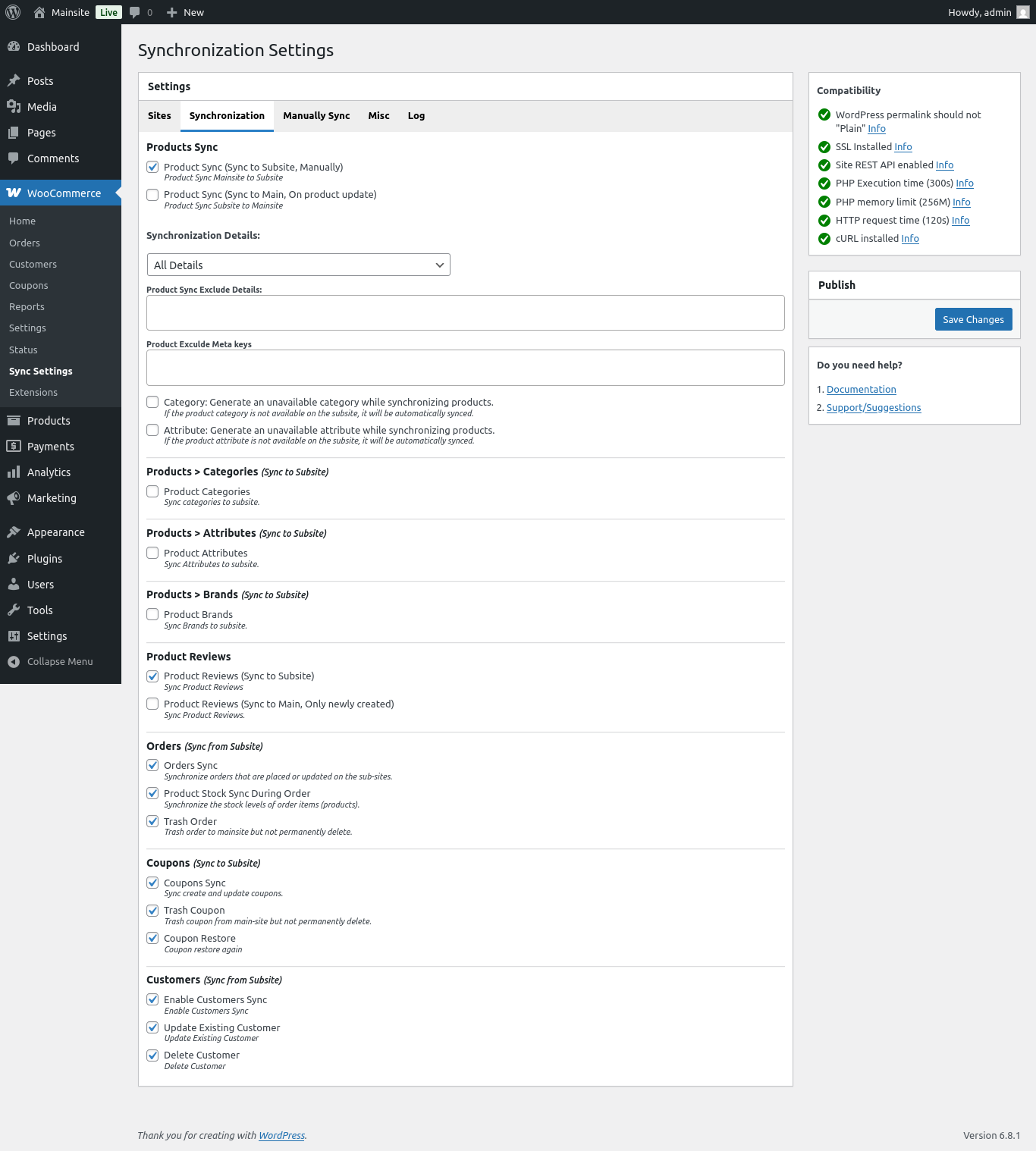
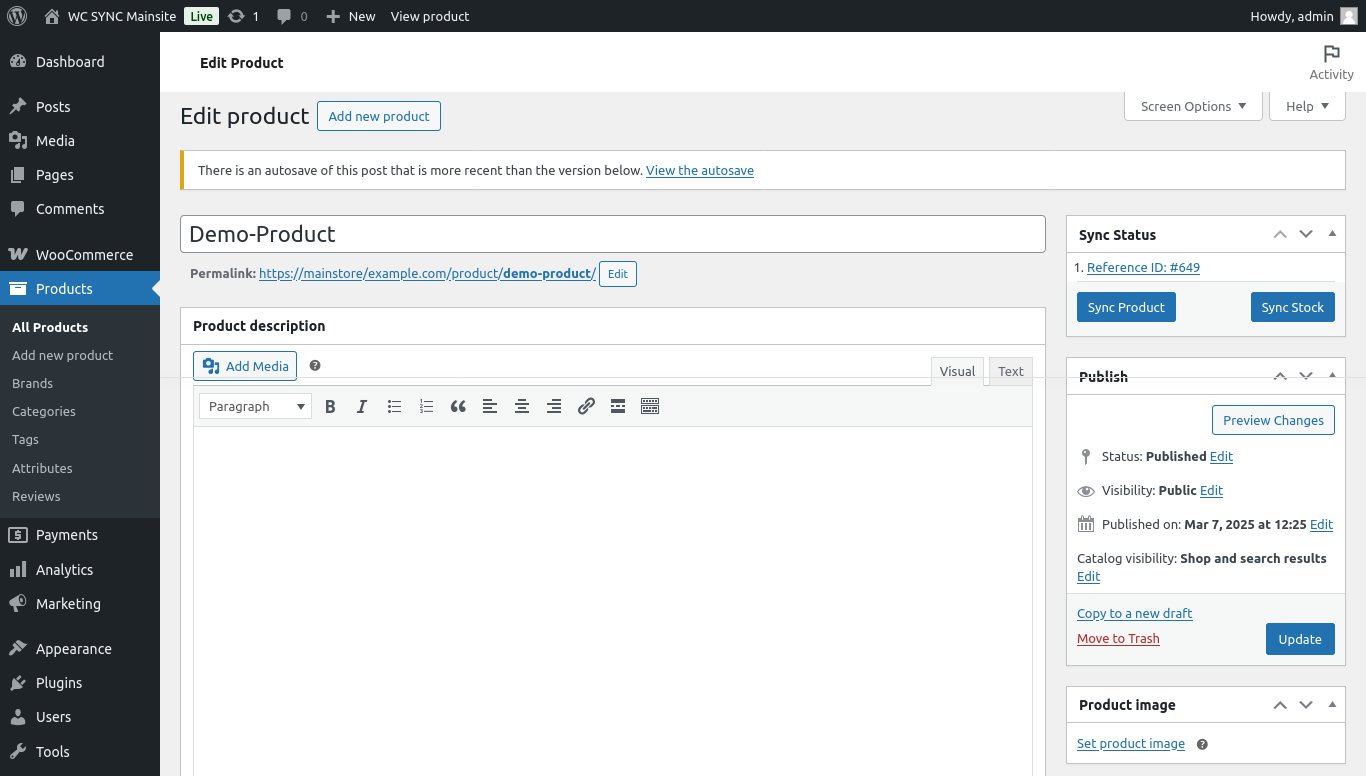
- Sync Products with Customizable Options – Choose exactly what to sync: stock, categories, attributes, prices, images, and more.
- Sync Stock Levels – Prevent overselling by keeping inventory levels synchronized in real time.
- Sync Orders – Automatically send orders placed on the sub site to the main store for centralized management.
- Sync Customers – Combine customer data from your sub site for a unified, searchable database.
- Sync Coupons & Discounts – Instantly apply coupon codes and discounts across both stores.
- Sync Reviews – Keep product reviews consistent and trustworthy across your two stores.
- WooCommerce API Integration – Secure, reliable synchronization using WooCommerce’s REST API.
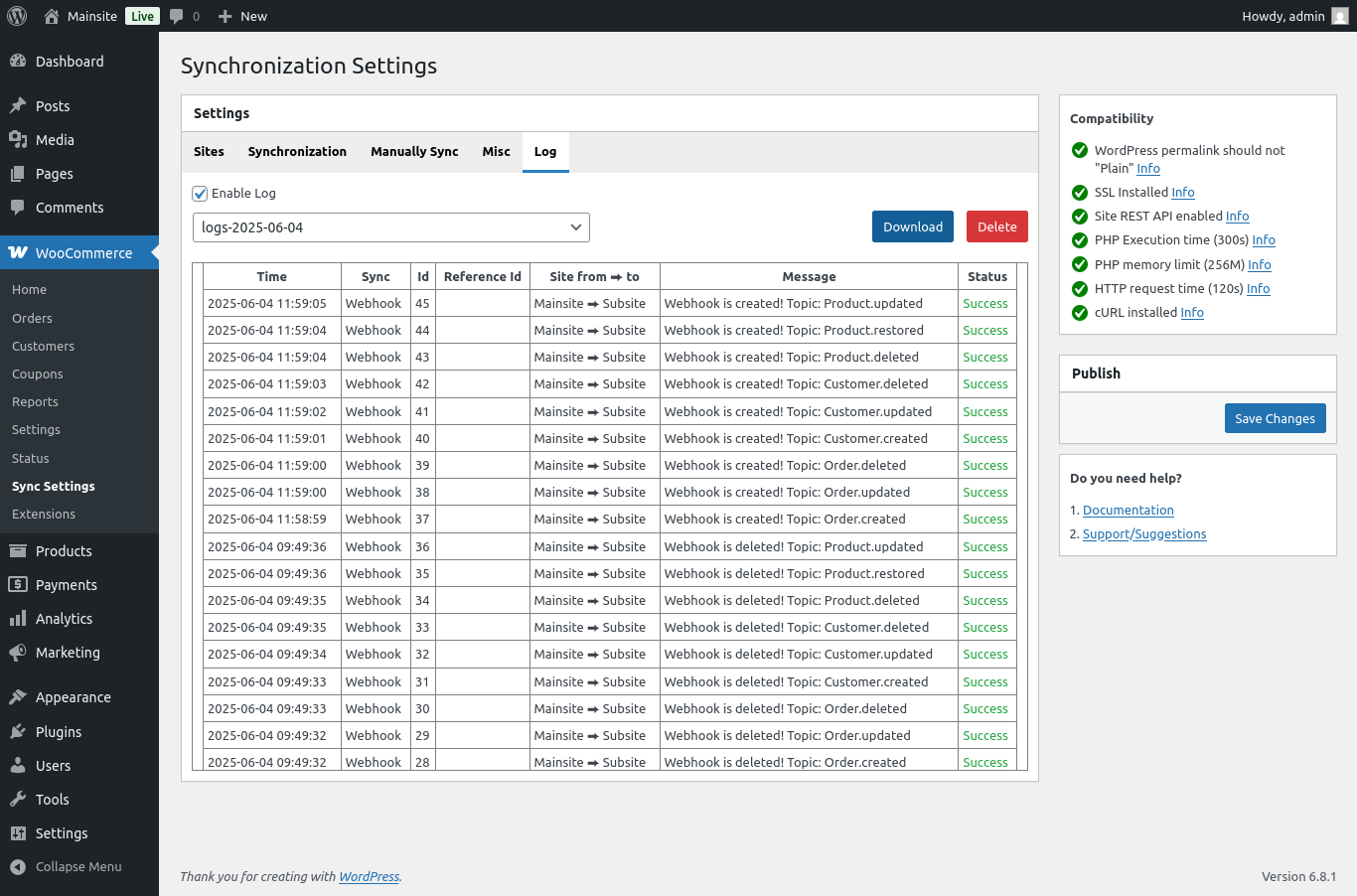
- Sync Logs – View detailed logs of synchronization activities for easy tracking and troubleshooting.
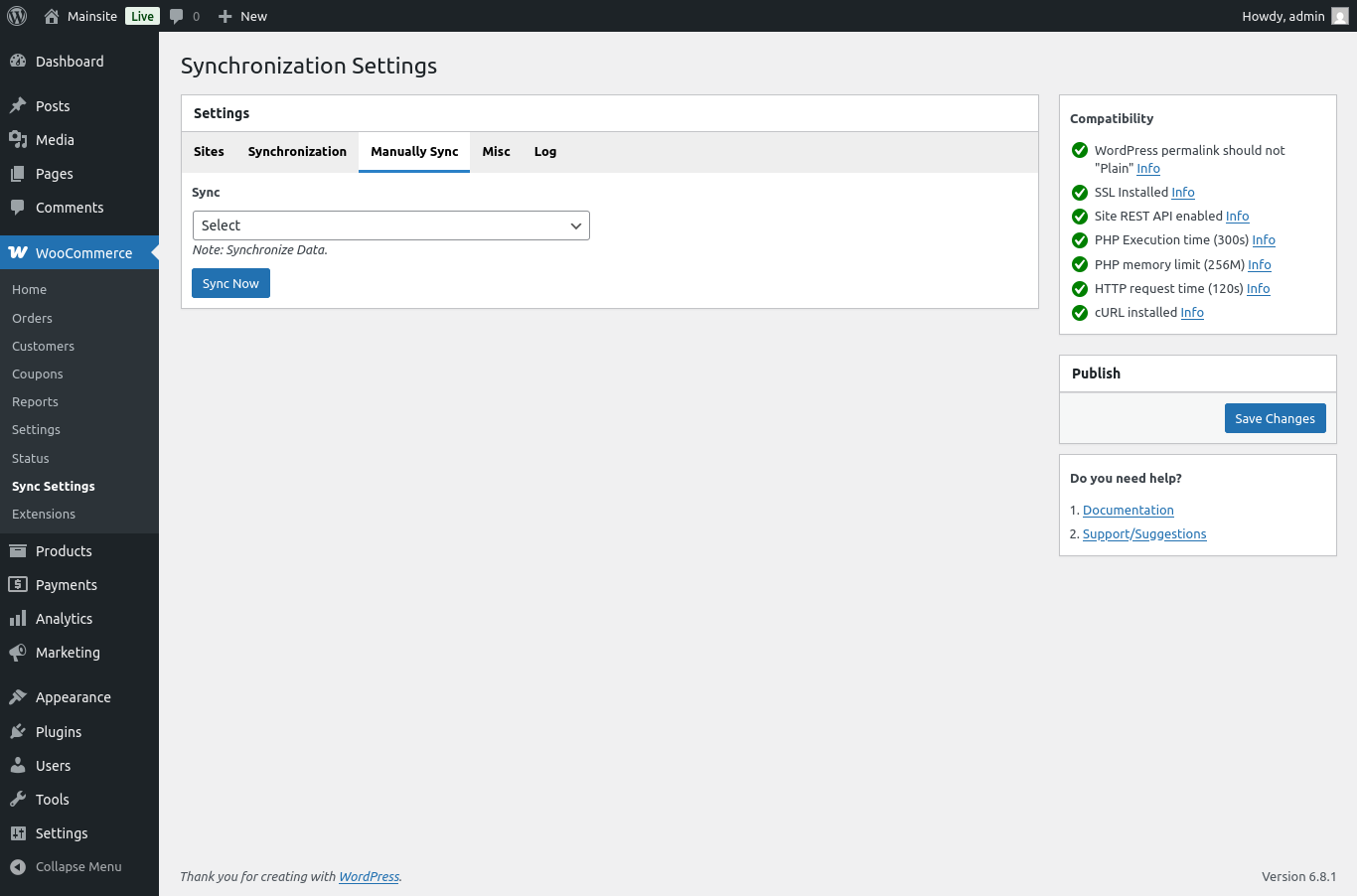
- Automatic & Manual Sync – Choose real-time automation or manual syncing based on your needs.
Why Choose?
- Centralized, Main-to-Sub Store management saves time and reduces complexity.
- No need for WordPress Multisite—works with any standalone WooCommerce site.
- Easy setup with the plugin installed only on the main store.
- Effortlessly connect your sub site using secure login/API details.
- Improve accuracy with real-time syncing of products, stock, orders, customers, coupons, and reviews.
- Prevent overselling with automatic inventory updates.
- Perfect for testing multi-store syncing before upgrading to the full version.
This plugin is the ideal solution for small businesses managing two WooCommerce stores, making store management easier, more accurate, and more efficient. Get started today and keep your stores perfectly in sync—free!
Synchronize the WooCommerce Products, Stock, Orders, Customers, Coupons in Multiple WooCommerce Sites.
Customer Reviews
4.7
Mirko Manfredo
Oct 30, 2025
★★★★★
Absolutely phenomenal service and a very useful plugin!
Mulika Team :
Thanks for your feedback! We’re glad to hear it’s useful and working properly for you.
altairmini.com
Sep 28, 2025
★★★★★
Excellent plugin, very simple to set up and essential for those who have two e-commerce sites, thanks!
Mulika Team :
Thanks for your feedback, We're glad to hear the plugin is helping you manage your stores more easily.
Sebs
Jun 20, 2025
★★★★
Great Plugin! I have a question and i want to know if it's possible to select to which subsite to sync each product, f.e. I have 4 subsites, i need to sync one product to only 2 of them and another product for 3 of them and maybe another one synced in all the 4 subsites, with the PRO version is this possible?
Mulika Team :
Yes, with the Pro version, you can sync specific products to specific sub-sites. This can be done easily using the category filter — assign products to categories, and configure which sub-sites should receive which categories.
In this way, you can sync individual products to selected sub-sites as needed.
как ставить ставки
Jun 18, 2025
Heya i'm for the first time here. I found this board and I find It really useful & it helped me out a lot. I hope to give something back and aid others like you aided me.
jawad
Feb 13, 2025
★★★★
Great, but I have a question. My use case is i want to enable sync from main dashboard to all of my 4 subsites so I can get all products and order on my one dashboard, how can I achieve this.
Mulika Team :
Thank you for using the MIPL WC Multisite Sync plugin!
Yes, you can sync products, orders, and other WooCommerce data from the main dashboard to all your subsites,
Please upgrade to the Pro version:
Get MIPL WC Multisite Sync Pro, https://store.mulika.in/product/mipl-wc-multisite-sync-pro/
Let me know if you need any assistance!
Rod
Feb 06, 2025
★★★★★
awesome ~ v1.1.7 only one subsite is supported. How to support multiple subsites?
Mulika Team :
Thank you for using the MIPL WC Multisite Sync plugin!
To sync more than two sites, please upgrade to the Pro version:
Get MIPL WC Multisite Sync Pro, https://store.mulika.in/product/mipl-wc-multisite-sync-pro/
Let me know if you need any assistance!
Oscar Gomez
Oct 13, 2024
★★★★★
Hi, thanks for the great product, one little sugerency, How could I avoid synchronizing the price?
Mulika Team :
Hi, We've updated the plugin! You can now include or exclude specific details like Price, Stock, Category, Attribute, and more.
Mulika Team :
Hi, thank you for using 'MIPL WC Multisite Sync' plugin and for your suggestion! We'll work on adding this feature in our next update to help you manage price synchronization.